Choose your data
Activity, workouts, sleep, nutrition, and more. Select your categories and give Daybreak read-only access in Apple Health.
By Matt Alexander


Daybreak exports your Apple Health history to readable JSON and CSV files. Keep them on your device or in iCloud Drive, ready for your own tools.
Coming soon for iPhone & iPad · iOS 26 or later

Activity, workouts, sleep, nutrition, and more. Select your categories and give Daybreak read-only access in Apple Health.
Save files on your device or in iCloud Drive. Your chosen storage provider handles any cloud syncing.
Sync when you want, set a local reminder, or use Apple Shortcuts. Health access may require an unlocked device.
Open a CSV in a spreadsheet. Read the detail in JSON. Back up your history, build a personal dashboard, or choose what to share with another tool.
Daily summaries sit alongside workout, sleep, and nutrition details. An exported field guide explains the files.
daily/
  2026/11/2026-11-10.json
workouts/
  2026/11/2026-11-10-workouts.json
sleep/
  2026/11/2026-11-10-sleep-intervals.json
nutrition/
  2026/11/2026-11-10-nutrition-samples.json
rollups/
  all-time-daily.csv
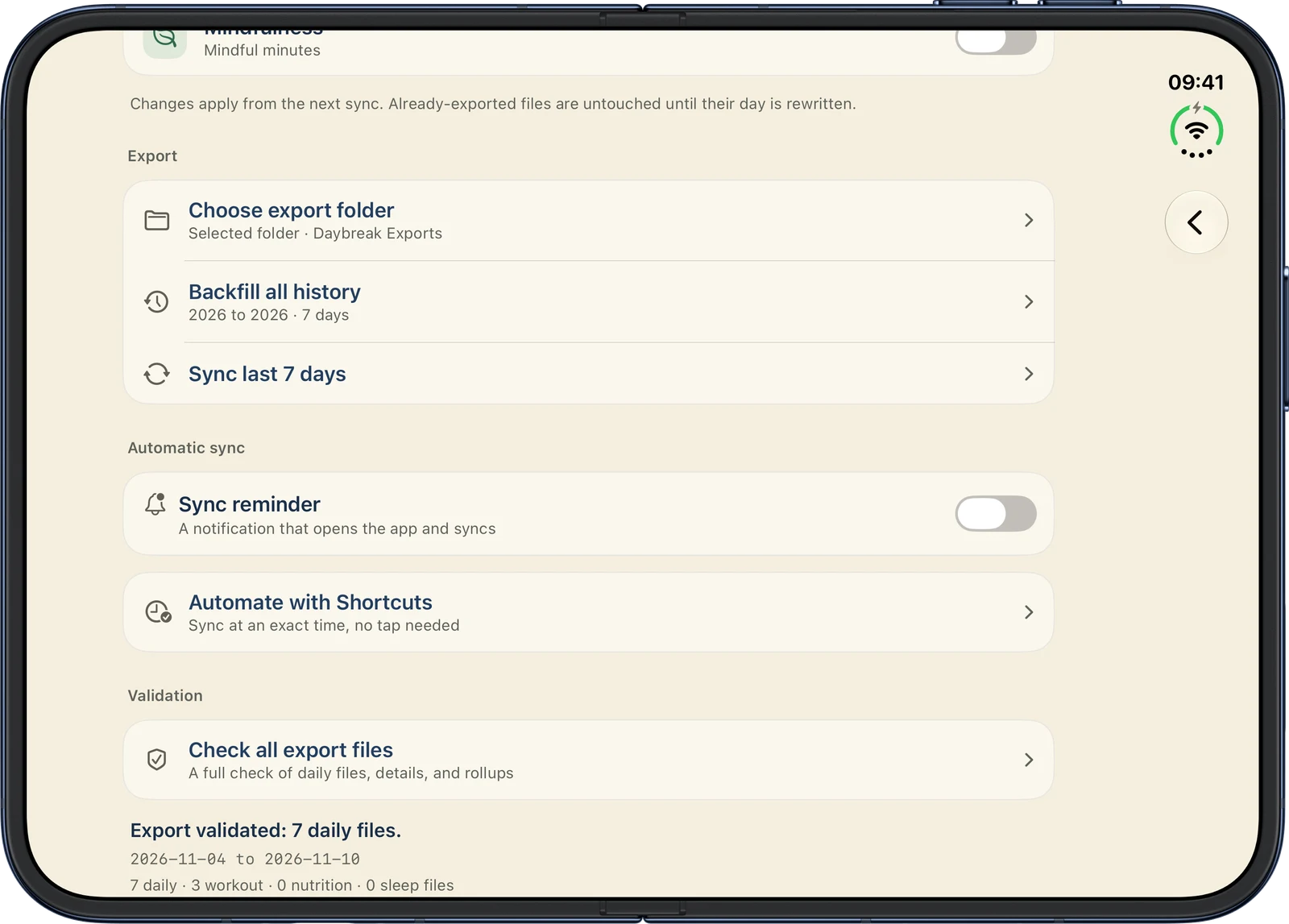
See your sync status, browse exported files, and check their structure and consistency from the app.
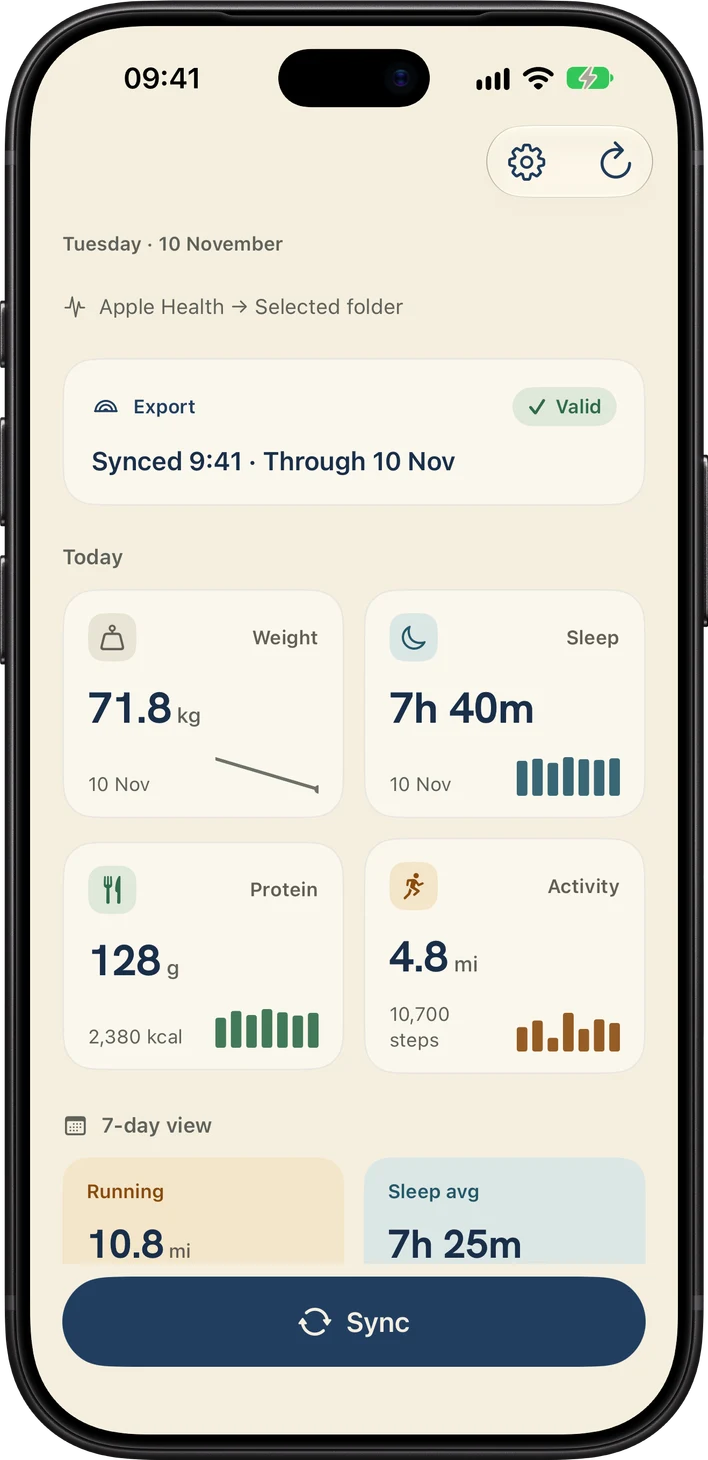
Daybreak gives you a daily overview, too, with recent activity, sleep, weight, and nutrition alongside your export status.

Meet Breakfast, the running app in the family.